It's good to be bad

Yes, as I anticipated, Overlord is fun. And it runs fine at decent resolution on my GeForce 7900 GT, once I disabled a couple of pretty-features in the config.

It's hard not to love a game where you come upon what is obviously Bag End, but cannot be bothered to stoop to enter the silly little round door.

Instead, you just send your minions to bash that door down, flood inside, smash and kill everything in sight, and then bring anything of value out to you.

(Ideally, you'd be picking your nose while you waited for them to return. Perhaps in Overlord II.)

Alert: eMate now actually useful

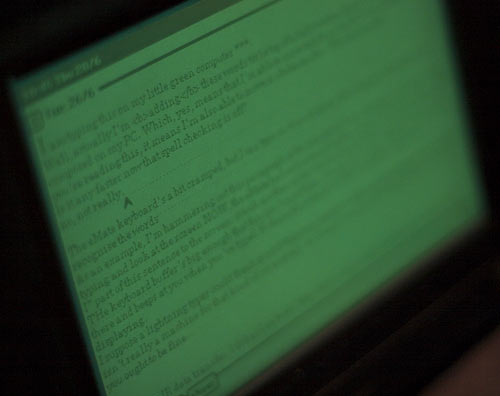
eMate screen

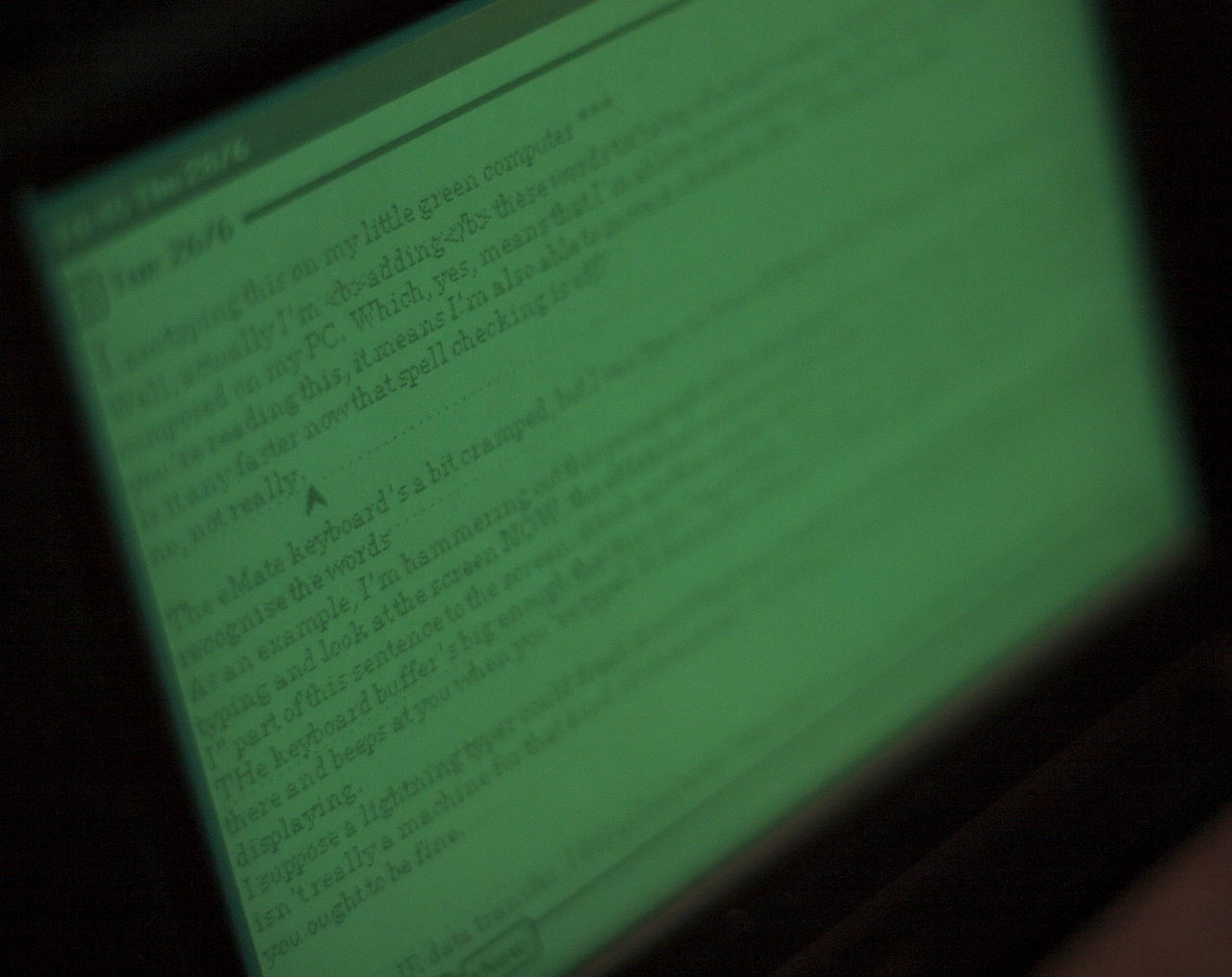
I am typing this on my little green computer.

Well, actually I'm adding these words to the top of a half-written block of text that I composed on my PC.

Which, yes, means that I'm able to move text from the PC to the eMate.

And if you're reading this, it means I'm also able to move it back. Which is a nice bonus.

(Here's my post about transferring data to and from the eMate. It took me a while to edit all of the cursing out of it. Precis: Use the serial cable, Luke. Don't bother with anything else.)

The eMate keyboard's only about 90% of normal size, but I can still type on it much faster than the poor little computer can squeeze small-font-size words onto its 480-by-320 bitmapped screen.

As an example, I'm hammering out this paragraph at the best speed I can manage, and when I stop typing and look at the screen NOW, the eMate has only actually gotten around to printing the "when I stop" part of this sentence to the screen. It took another seven whole seconds before it made it to the "NOW".

When you're starting a new document, the eMate Notes application is much faster. Then, it nearly keeps up with my roughly 80 word per minute typing (slowed a bit by the smaller keyboard). Once there's a significant amount of text in the document, though, things slow down.

(The dotted handwriting recognition guide lines don't make any difference to screen drawing speed, but they're unnecessary if you're only going to use the keyboard. This stationery file lets you create new notes without lines.)

Fortunately, the eMate keyboard buffer is big enough that the slow update speed isn't a problem. It's not as if the thing just sits there and beeps at you when you've typed 16 characters ahead of what it's gotten around to displaying.

I suppose a lightning typer could freak the eMate out if they really tried. But the small keyboard means this isn't really a computer for that kind of user anyway. As long as you pause for thought now and then, and don't often decide to delete the last word ("How many times did I just press backspace? Dammit, now I have to wait and see.") you ought to be fine.

This slowness also means that the eMate isn't the greatest place to do your editing, let alone HTML markup. 153600 pixels sounds like quite a lot - why, an old greyscale Palm has only 25600! - but it really only gives you about 100 characters by 23 lines of small-font text, plus menu stuff above and below.

That sounds perfectly decent, by ancient-word-processor standards. It's not as if people didn't get lots of work done on 80-by-24 text mode programs like WordStar or AppleWorks.

But text mode was fast, and the eMate's bitmapped graphics are slow.

Amigas had no text mode and some lightning-fast text editors, but that was because of their coprocessors. I think the principal strategy used by the early Macintoshes to deal with the same problem was (a) only having 1.14 times as many pixels as an eMate, and (b) encouraging patience in their users. MacWrite was a great success, but it bogged down just like the eMate when a document was more than trivially long.

(Perhaps I should add an overclocking switch to my eMate - though I'd need at least three toggle switches sticking out of the casing for the eMate to match my old Amiga 500. You didn't have a proper A500 if the RF shield inside hadn't been removed so many times that all of the little tabs had broken off, resulting in metallic boinging noises while you typed. Maximum resolution? Well, that depended on how much overscan you could cram onto your monitor, didn't it?)

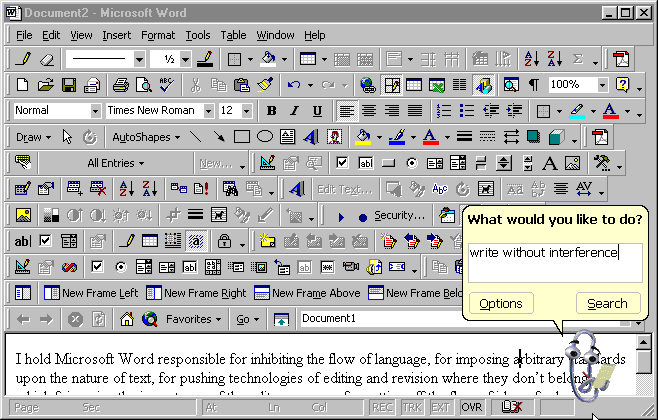
Absence of usable editing features can, of course, itself be a feature. This sort of thing is at the very core of the Write Without Interference philosophy, in which the elimination of distractions like editing or looking up hyperlinks allows you to get to the core of your thoughts both faster and better. If you know you're going to have to edit what you just wrote, put in a couple of asterisks or something and keep on going with your brain still afire with the magnificent creativity that only you can, uh, create.

See? See what I mean? I'm back on my PC, now, and I just had to take time out to find that funny link, which broke my train of thought and left me writing this paragraph instead of filling in the perfectly judged words that I intended to come after "magnificent creativity", above.

And now I've finished that paragraph, saying something else because I forgot what I intended to say, and look what a hash I made of it.
Now I want chips, dammit

I presume that almost all of you dorks will, without my prompting, read the latest PA and its newspost.

For the benefit of the three of you who would not otherwise have done so (and who would therefore have missed out on the word "shitwizards", which I feel obliged to state at this juncture is not only an obviously marvellous name for a rock band but will, I suspect, now become at the very least a nerd sub-meme, you see if I'm wrong), I was startled to see Tycho's Doritos ad concepts.

I found them startling because they were advertisements which did not fill me with the urge to punch the face of the person responsible.

OK, the third one has a certain distasteful Nike-ish swagger, and the second one sounds too much like the work of Ray Smuckles to be considered on its own merits.

But the first one?

I'd seriously consider buying that chip.

Yes, I've been drinking.

What?

You got a problem? You wanna fight about it?

OK, you guys go and fight about it, then. I'll stay here and maybe watch a Supreme Commander replay.

Polarised plastic

My turn to hop on the polarised-photos bandwagon.

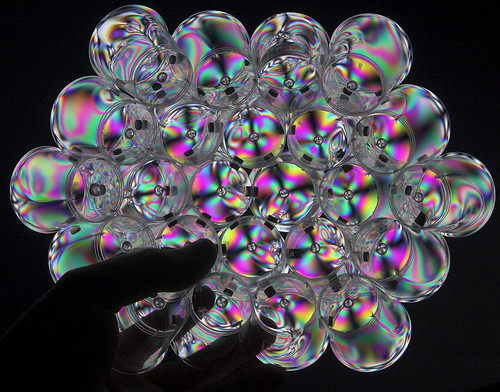
Polarised plastic cups

An LCD monitor is an excellent source of polarised light, and lots of see-through things also polarise light to different degrees as it passes through different parts of them. For this reason, you'll see faint rainbows around the edges of various clear plastic things if you hold them up in front of a plain white LCD screen. Put a second polariser over your eyes or camera lens, though, and things get trippy.

(If you see someone looking at an LCD through polarised sunglasses and doing the Indian head wiggle, that person is not necessarily on drugs.)

When a local discount store was closing down, I seized the opportunity to buy a lifetime supply of little plastic shot glasses. It struck me that they might be good for mixing glue, holding small parts, reenacting the drinking contest scene from Raiders, et cetera. They are also good candidates for polariser photography, especially if you stick a few of them together.

One day, I'll get around to making a cup sphere, in which you glue or staple disposable cups together to make a globe. Stapled paper cups are probably the fastest way to do it. I've got a lot of magnets here, though, so I decided to try sticking the little shot glasses together temporarily with those.

Polarised plastic cups - rear view

I got 24 cups together before the process started becoming really difficult, with the structure shifting around and magnets snapping onto each other and the wailing and the cursing, glayven.

Upgradin' the TARDIS

This is the Slashdot thread about a not-terribly-good example of the Gee, Isn't It Funny That Crappy Computers Used To Cost A Lot Of Money genre of article.

The Slashdot thread contains, as is often the case, pointers to some rather more entertaining stuff.

Like this.

This ad, and two more like it, ran from 1979 to 1980 if somewhat flaky online sources are to be believed. If those dates are right then Tom Baker took the Prime's advice; he married Lalla Ward in 1981.

And then divorced her sixteen months later.

Lalla's been married to Richard Dawkins since 1992, a development which the Prime apparently did not foresee. 1992 was also the year in which Prime Computer ceased trading.

Another of the Prime ads:

Doctor Who had, of course, postulated far more impressive computers than this on numerous occasions, so Tom's trademark enthusiasm was in this case difficult to justify.

In another piece of nerd synchronicity, the vast master computer system on Gallifrey was called The Matrix.

Little outboard screen update

When I reviewed the Pertelian X2040 external display doohickey, I mentioned that cheap Windows SideShow devices from big manufacturers would completely eat the lunch of little manufacturers like Pertelian.

It would appear (via) that SideShow devices with full colour 320-by-240-ish screens...

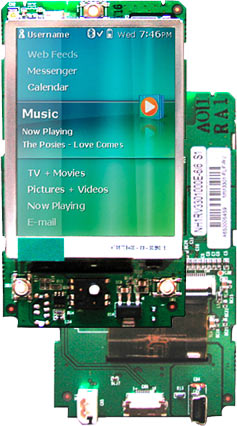
Ricavision SideShow electronics module

...based on electronics modules like this will indeed be available for as little as $US80.

Well, at least according to the Winbond propaganda that led me to the Ricavision site, where you can see their only-renders-as-yet examples of wireless Bluetooth external displays with and without keyboards, not to mention an e-book reader thing that'd presumably be less excitingly priced, since the display is most of the expense for e-books.

If these devices aren't pie in the sky, then Pertelian, and even Logitech, are definitely going to have to get with that program or be run over.

There's still some attraction to low-tech LCDs like the Pertelian, and not just because they don't make you upgrade to Vista in order to use the artificially-limited-to-Vista SideShow technology. I like that I can have the X2040's simple four-line display sitting there announcing what MP3's playing at the moment without its backlight on, so the glow doesn't distract me. You could probably do much the same thing with a colour Sideshow display, though - use a greenscreen colour scheme and wind the brightness down.

Escher's office, 1935

Escher panorama

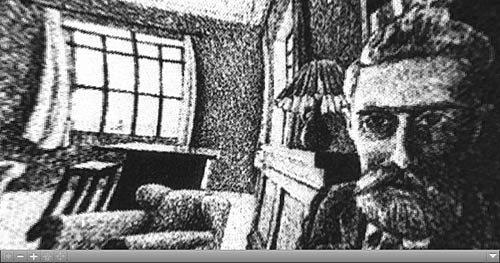
Apropos my stitching up of Will Self's office, here is M.C. Escher's Hand With Reflecting Sphere, unwrapped into a Quicktime VR panorama.

(I originally wrote the artist's name as "MC Escher", then realised that looked as if he should have been performing with the Furious Five or something. "I'm MC Escher and I'm here to say, the stairs go up and down today! Get up! Get down! Get up! Get down!...")

Posted in Art, Nerdery. 1 Comment »

And now, irresponsible mayhem

[UPDATE: That video's dead now. I found some more, though; they're here!]

If they didn't want you to do this, they wouldn't put those handy connectors on the batteries, would they?

(I think the experimenter bought his Science Spatula from the same place where I got my Science Nails.)

I count a total of 125 9V batteries there, for 1,125 nominal volts. And yes, as I've mentioned before, you certainly can kill yourself stone dead by doing this.

(Incidentally, people today use clicked-together 9V batteries to replace the no-longer-available B batteries for vintage valve radios.)

A while ago, I had a harebrained scheme to use 9V batteries to make a 110V-ish DC source (in this 230VAC country) to get that elusive green oxide coating on some titanium.

Grody batteries

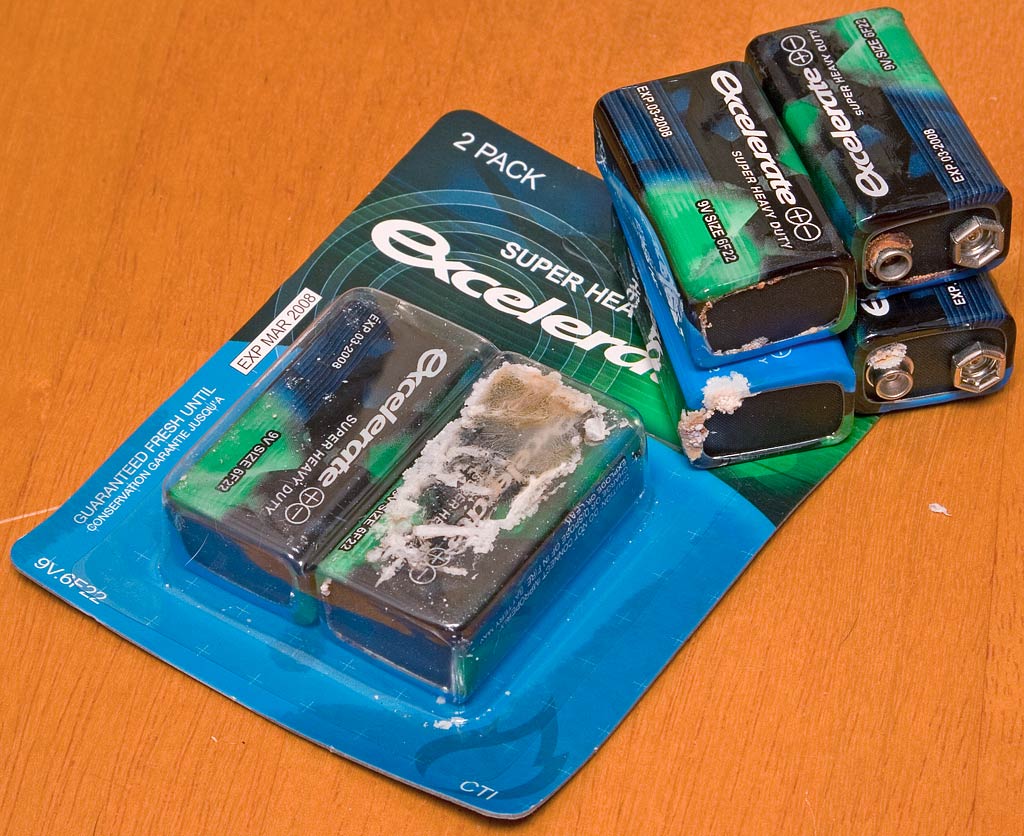
Unfortunately, the super-cheap eBay dealer I chose sent me the nastiest batch of nine volters I've ever witnessed (and, yes, he then refunded my money), so that plan to kill myself fell by the wayside.

Now, though, I've got a Variac and a bridge rectifier. What could possibly go wrong?